
Calendly for recruiting, and when to add ModernLoop
Booking links are a quick way to get a recruiter screen on the calendar. Interview loops are different work: panels of trained interviewers, balanced load and scheduling that starts from your ATS. If you use Calendly for recruiting and your loops are getting harder to run, here’s how to tell, and where ModernLoop fits.
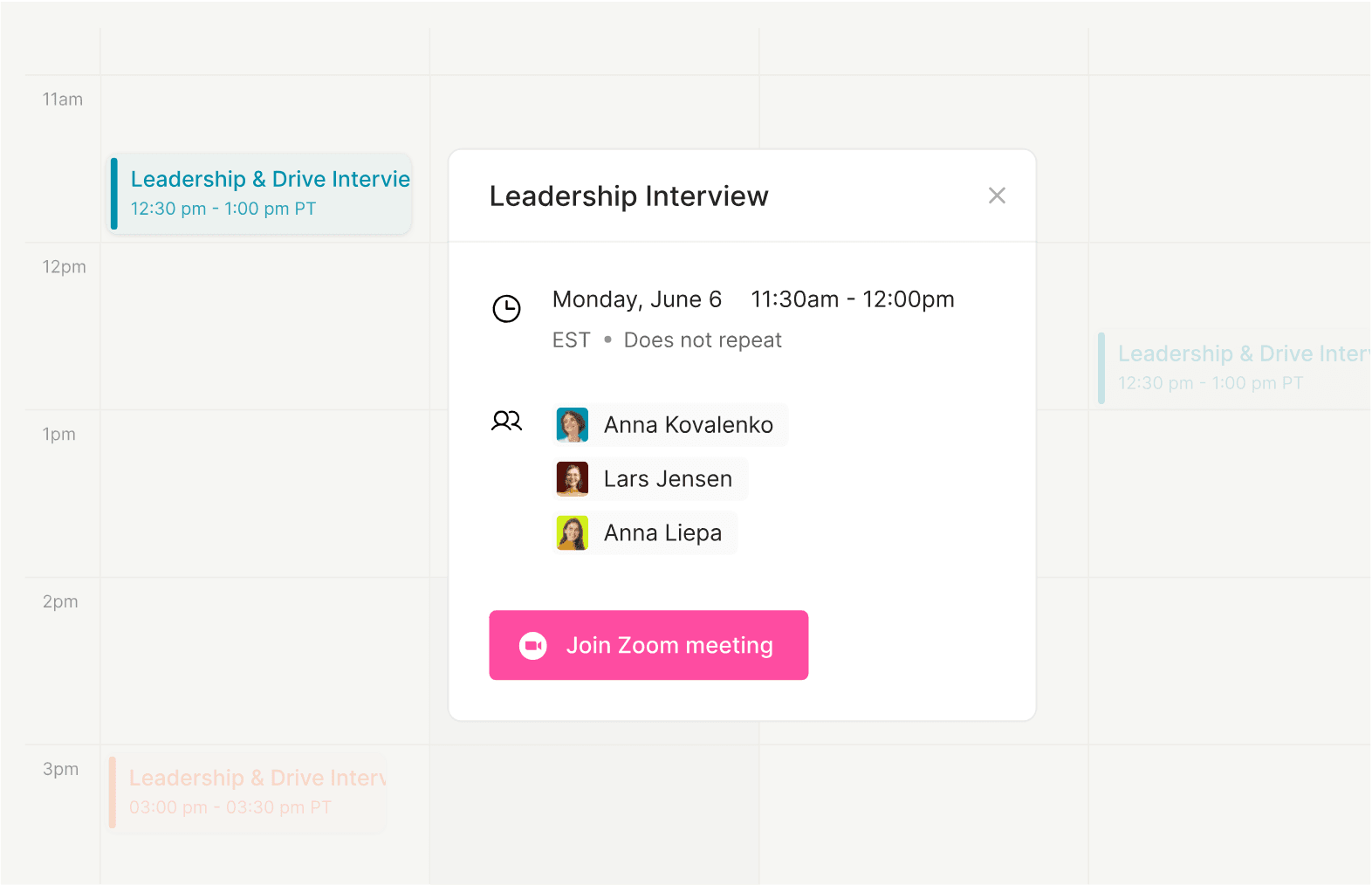
Calendly for recruiting: what booking links do well
Calendly’s recruiting page describes one scheduling process for every interview, from phone screens and hiring manager one-on-ones to group interviews, with automated reminders and confirmations and integrations with applicant tracking systems. For a recruiter booking a screen, that’s hard to beat: the candidate picks a time, and it’s on the calendar.
Calendly information is from Calendly’s recruiting page, checked on October 22, 2026. See calendly.com for Calendly’s current offer.
Signs you’ve outgrown booking links


Booking links vs ModernLoop
Two ways of working, compared as categories: link-based scheduling and interview operations.
ModernLoop
Booking links
ModernLoop
Booking links
How ModernLoop schedules a panel
From request to booked onsite, without the back-and-forth.
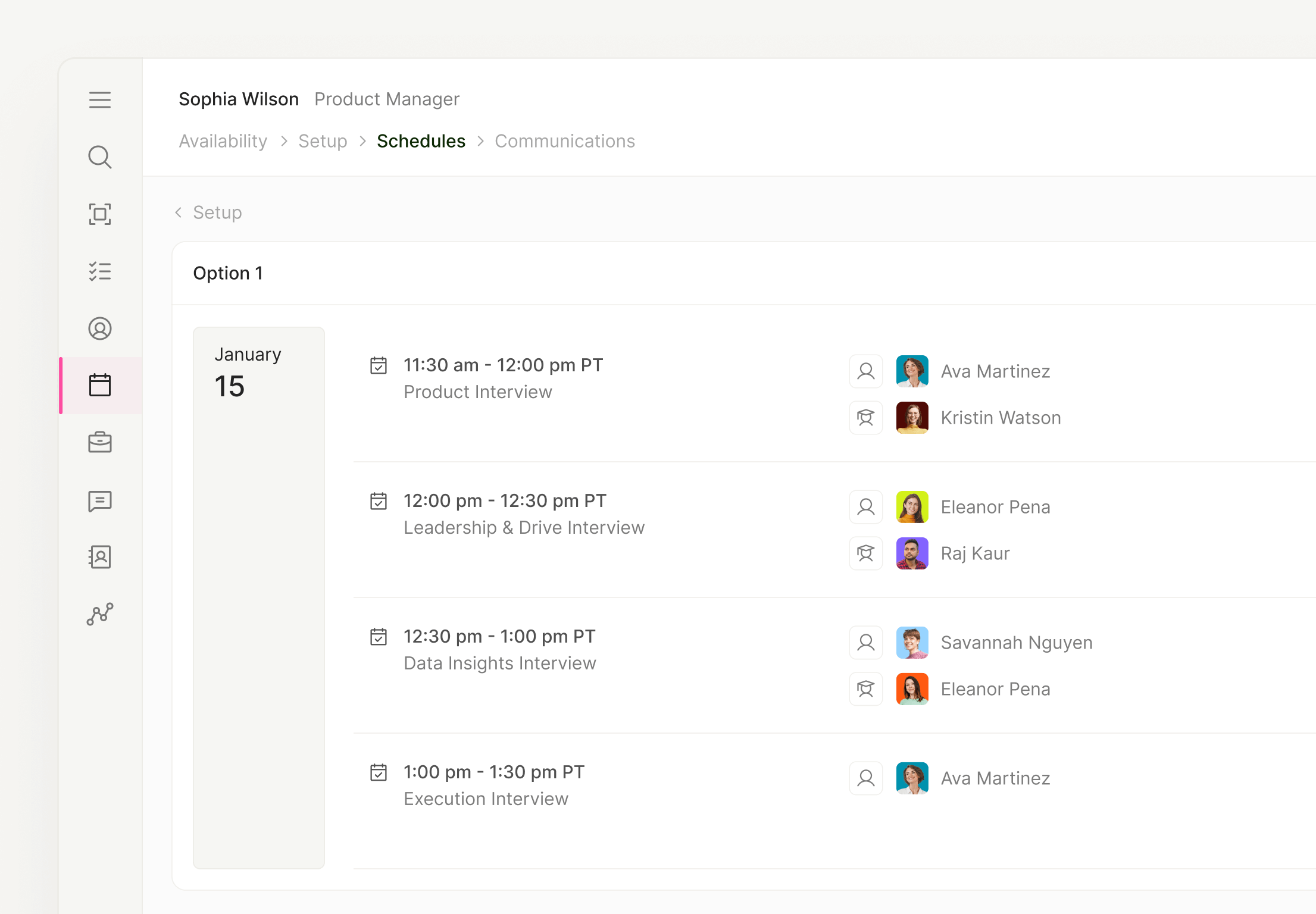


Candidates see the whole loop in one place.
A branded Candidate Portal holds interview schedules, job details, company information and next steps, with one consistent Zoom or Google Meet link for every interview.

Built for interview loops


Works with your stack.
When to keep using booking links
