GuideHiring automation: what to automate first, and what to keep human
Contents
Short answer
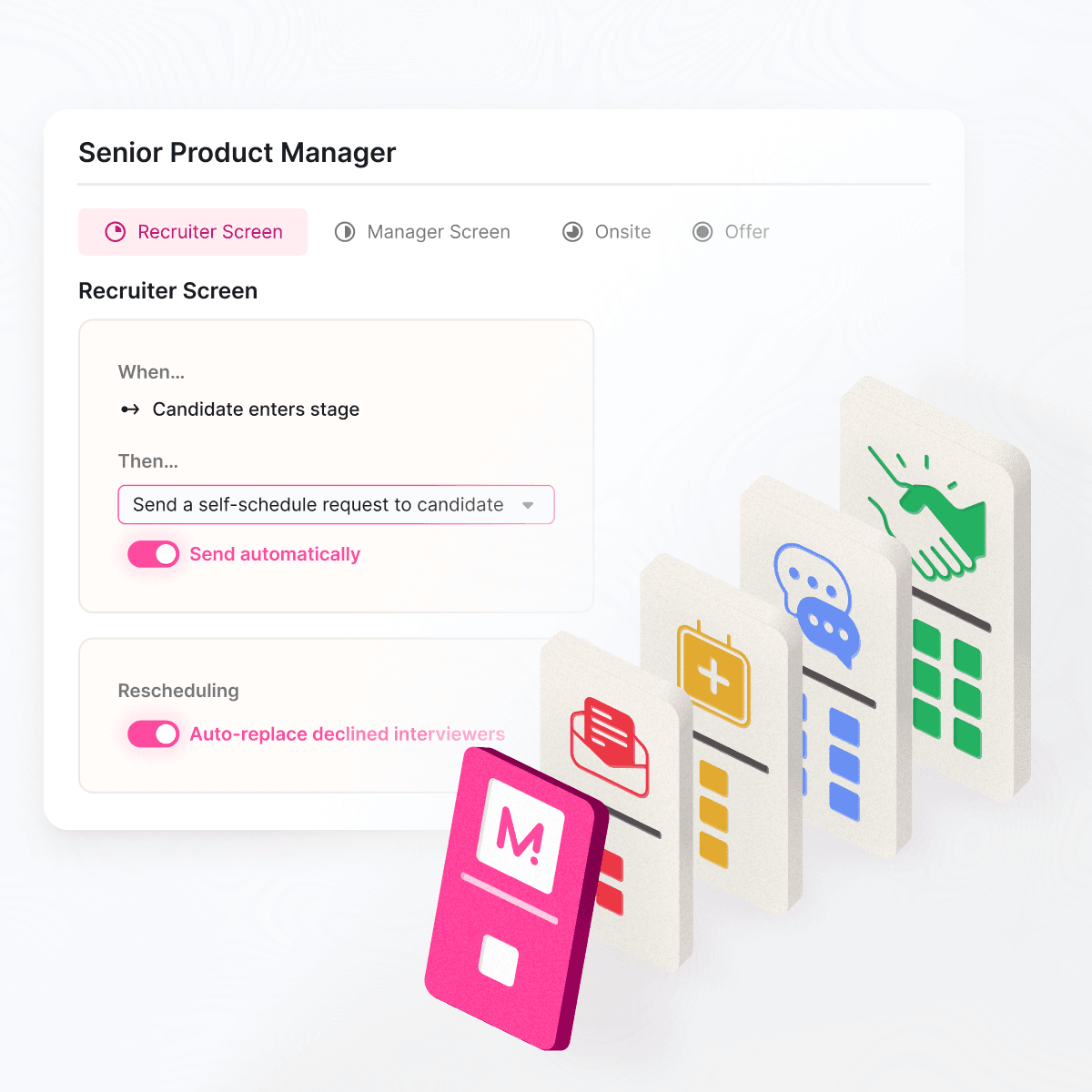
Hiring automation, also called recruiting automation, uses rules and triggers to run repeatable hiring tasks without someone starting each one: scheduling links that go out when a candidate moves stage, reminders, status updates, request routing and data syncing. Automate the logistics first, especially interview scheduling, and keep decisions about people with people.
What is hiring automation (or recruiting automation)?
Hiring automation and recruiting automation mean the same thing in practice, so this guide covers both. What matters more than the name is the kind of automation, because the three kinds carry very different levels of risk.
- Workflow automation. If this happens, do that: when a candidate moves to the onsite stage, send the scheduling request; when an offer is signed, tell IT. The rules are visible and nobody’s judgment is replaced.
- Scheduling automation. Matching availability across calendars, balancing interviewer load, sending invites and reminders, and handling reschedules. High volume, clear rules and no judgment about candidates make it the natural place to start.
- Decision support. Tools that screen, rank or score candidates, often with AI. These touch who gets hired, so they carry the most legal and fairness risk and need the most oversight.
A useful test: if a task has a right answer that a rule can find, automate it. If it needs a judgment about a person, support the person making it.
The hiring automation map
Here’s each stage of hiring, the tasks worth automating and what each typically takes. Effort and payoff are our estimates for an interview-heavy enterprise team, not measurements: your stack and volume will move them.
| Stage | Task | Automation type | Effort | Payoff | Typical tools |
|---|---|---|---|---|---|
| Requisition | Approvals, posting to job boards | Workflow rules | Low | Medium | ATS |
| Sourcing | Outreach sequences, rediscovering past candidates | Sequences, search | Medium | Medium | CRM, sourcing tools |
| Application | Acknowledgments, knockout questions, status updates | Rules, templates | Low | Medium | ATS |
| Screening | Résumé screening and ranking | Decision support | High | Varies; highest risk | ATS add-ons, screening tools |
| Assessment | Sending and scoring skills tests | Triggers, scoring | Medium | Medium | Assessment and coding platforms |
| Scheduling | Requests, availability, booking, reminders, reschedules | Scheduling automation, stage triggers | Medium | High for interview-heavy teams | Interview scheduling software |
| Interviewers | Load balancing, training shadows, briefings | Rules, load limits | Medium | High | Interview scheduling and training tools |
| Feedback | Scorecard reminders, debrief booking | Reminders | Low | Medium | ATS, messaging |
| Offer | Approvals, offer letters, e-signature | Workflow, templates | Medium | Medium | ATS, e-signature |
| Onboarding | Paperwork, accounts, equipment | Workflow, provisioning | Medium | Medium | Core HR, identity provider |
What to automate first
Start where work is high-volume, rule-based and visible to candidates. For interview-heavy teams, that’s scheduling. Here’s the order we’d follow.
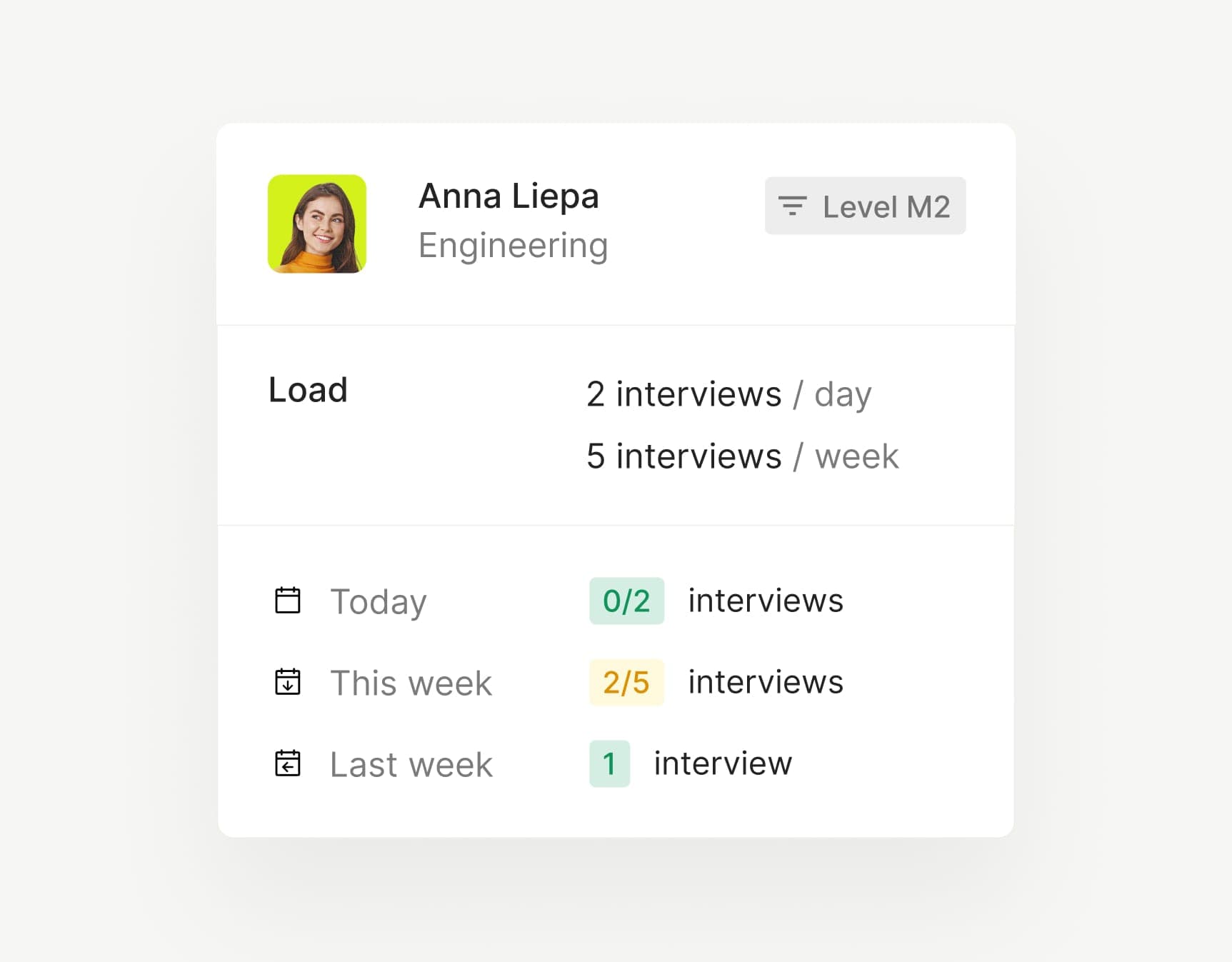
Interviewer load limits in ModernLoop: a daily and weekly limit for each interviewer, with this week’s interviews counted against it.
Why scheduling first? Every candidate in an interview process needs it, the rules are clear (availability, working hours, load limits), nobody’s judgment is replaced, and candidates feel the speed directly. It’s also easy to measure: the time from stage change to booked interview, before and after.


What not to automate
Automation should give recruiters more time for the parts of hiring that need a person. Keep these human.
A rollout plan for hiring automation
Roll automation out one workflow at a time, with a baseline before and a review after. For scheduling, the phases look like this.
| Phase | What you do | Done when |
|---|---|---|
| Baseline | Measure today: time from stage change to booked interview, reschedules, interviewer load and candidate feedback | You have numbers you’d defend in a meeting |
| Design | Write the rules: triggers, working hours, load limits, templates and who handles exceptions | Recruiting, coordination and hiring managers have signed off |
| Pilot | Turn it on for one team or job family and review every exception | The pilot team wouldn’t go back |
| Expand | Roll out team by team, refining the rules as you go | Every team in scope is live |
| Review | Compare against the baseline and retire the old process | The tracking spreadsheet is gone |
Risks of hiring automation: bias, candidate experience and data
Bias. The more a tool decides, the more it can discriminate, and regulators have noticed. New York City’s Local Law 144 prohibits using an automated employment decision tool unless it has had a bias audit within one year of use, requires the audit results to be made public and requires notice to candidates 10 business days before use; the city began enforcing it on July 5, 2023. The EU AI Act lists AI systems intended for recruitment or selection, including those that analyse and filter job applications and evaluate candidates, as high-risk. Scheduling rules don’t evaluate candidates, which is one more reason to start there. Screening and ranking tools need legal review before you switch them on.
Candidate experience. Automation that feels like a machine undoes its own benefit. Send messages from a named recruiter, keep a human reply path on every automated email, and test each flow as a candidate before launch, including on a phone.
Data. Every tool you connect gets access to candidate data. Ask vendors for their security reports and certifications, use single sign-on and SCIM so access ends when people leave, and agree on retention rules before data starts flowing.
Where ModernLoop fits
ModernLoop automates interview scheduling, the workflow this guide suggests starting with, and leaves decisions about people with your team. With Zero Click Scheduling, interview requests and scheduling links go out automatically as candidates move stages in your ATS, and candidates pick a time from the interviewers’ availability.
The scheduling algorithm uses candidate availability, interviewer availability and interviewer load to propose multiple potential schedules. Calendar invitations, Slack notifications and email reminders go out on their own, and when an interviewer can’t make it, ModernLoop helps find the best replacement. Interviewer Training adds trainees as shadows and reverse shadows according to their progress, and Reporting & Dashboards tracks scheduled and completed interviews against goals.
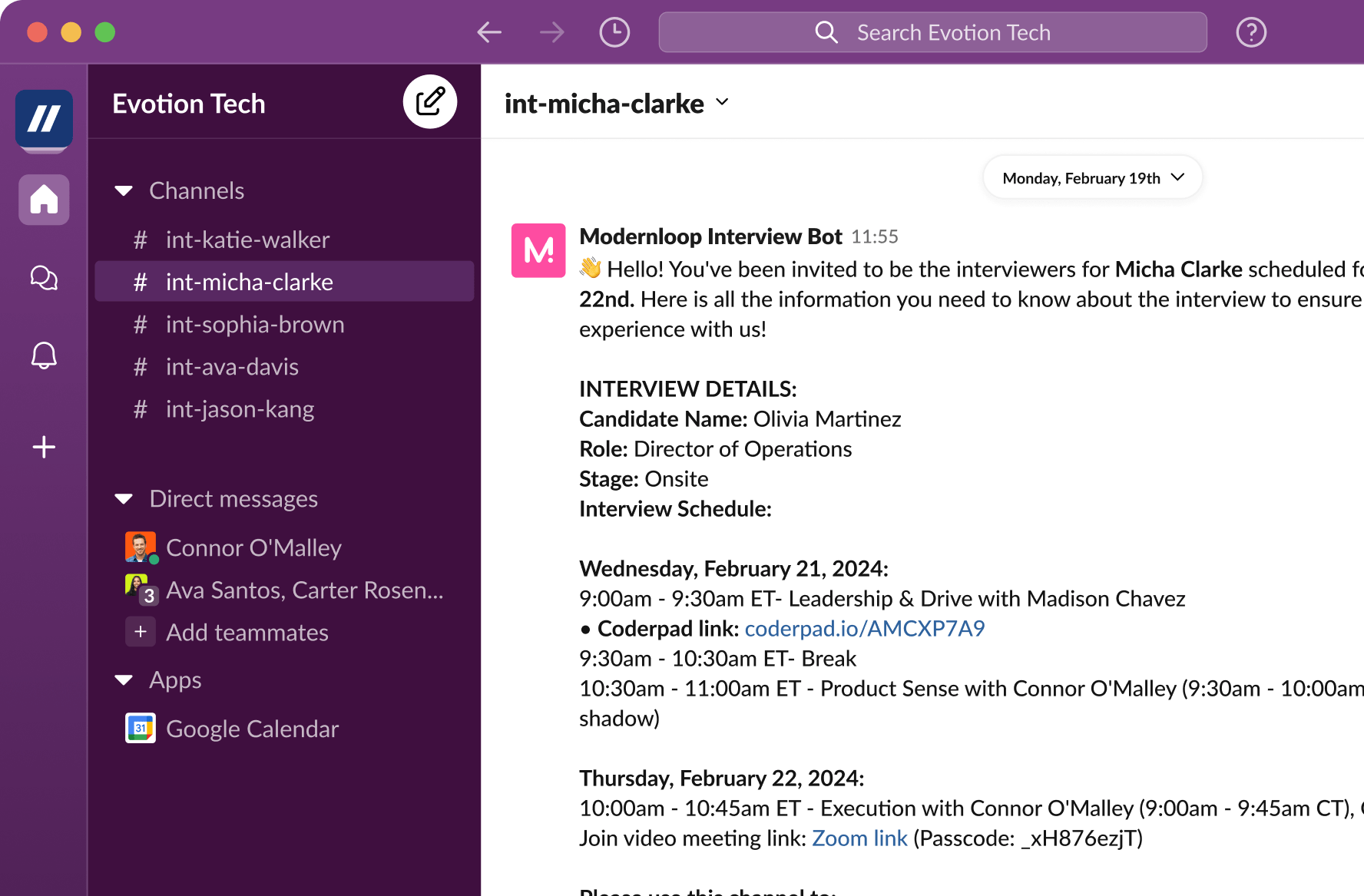
Slack notifications from ModernLoop: the Interview Bot shares the details and schedule in a private channel for the candidate’s interview team.
See how it works in recruiting automation with ModernLoop, or map your stack first with talent acquisition platform vs ATS.
Sources
Laws are summarized for orientation, not as legal advice. All sources checked October 22, 2026.
Related articles

Interview requests, scheduling and reminders that start themselves.
Definitions, a reference architecture and when to add a layer.