GuideInterview scheduling across time zones and calendars
Contents
Short answer
To schedule interviews across time zones, store each person’s time zone and working hours, find the overlap before you propose anything, and show every time in the candidate’s zone with the city named. Across calendars, make free/busy visible to schedulers in Outlook and Google, book rooms as resources and reschedule from the tool that booked it.
Rules for interview scheduling across time zones
Interview scheduling across time zones fails in predictable ways: an invite that says 2:00 without a zone, an interviewer booked at 7:00 their time, a loop that slips an hour when the clocks change. Five rules cover the usual failures.


Finding the overlap: a worked example
Say your candidate is in London and the loop needs interviewers in New York, San Francisco and Bengaluru, all working 9:00 to 17:00 local time. In January, each one-hour slot looks like this:
| Slot in London (candidate) | New York | San Francisco | Bengaluru | Who can interview |
|---|---|---|---|---|
| 09:00 | 04:00 | 01:00 | 14:30 | Bengaluru |
| 10:00 | 05:00 | 02:00 | 15:30 | Bengaluru |
| 11:00 | 06:00 | 03:00 | 16:30 | Nobody: Bengaluru’s day ends mid-interview |
| 13:00 | 08:00 | 05:00 | 18:30 | Nobody |
| 14:00 | 09:00 | 06:00 | 19:30 | New York |
| 15:00 | 10:00 | 07:00 | 20:30 | New York |
| 16:00 | 11:00 | 08:00 | 21:30 | New York; San Francisco only with an early start |
| 17:00 | 12:00 | 09:00 | 22:30 | New York and San Francisco, but it’s after the candidate’s day |
No hour works for everyone, which is normal for a global loop. Split it: Bengaluru in the London morning, New York in the afternoon, and San Francisco either at 16:00 London time with an interviewer who opts in to an 8:00 start, or on a second day. Rerun the table when clocks change: in summer, London moves an hour closer to Bengaluru, because India doesn’t change its clocks.
The daylight saving weeks
The United States moves its clocks on the second Sunday in March and the first Sunday in November. The UK and the EU change on the last Sunday in March and the last Sunday in October. So for two to three weeks each March, and for the week after the last Sunday in October, New York is four hours behind London instead of five. Arizona (outside the Navajo Nation) and Hawaii don’t observe daylight saving time at all.
Calendar invites convert correctly through all of this. The mistakes come from mental math and from times typed into emails: if your email says 15:00 London time and the invite says 14:00, the candidate will trust one of them, and you won’t know which.
Outlook vs Google Calendar: differences that matter for scheduling
Many interview loops touch both. Here’s how Microsoft and Google document the settings coordinators care about. Labels vary by app version, so check yours.
| Setting | |
|
|---|---|---|
| Sharing levels | Can view when I’m busy; Can view titles and locations; Can view all details; Can edit; Delegate | See only free/busy (hide details); See event details; two Make changes levels; Make changes and manage sharing |
| Organization default | Each calendar’s My Organization entry sets what colleagues see; admins can set custom levels with PowerShell | Admins set the internal default for primary calendars (no sharing, free/busy only or all information) and a separate external level |
| Working hours | Settings › Calendar › Work hours and location; the Scheduling Assistant shades time outside attendees’ working hours | Available on work or school accounts and set from Calendar on the web; an admin may turn it off |
| Rooms | Room mailboxes added to the invite; auto-accept by default, or delegate approval; booking window defaults to 180 days | Calendar resources created by admins and added to the event; can auto-accept invitations that don’t conflict |
| Delegates | Delegate can edit your calendar and share it with others | Make changes and manage sharing gives full control, including sharing |
| Extra time zones | Up to three in the latest Outlook for Microsoft 365; extra zones show in day and week views | Secondary and tertiary zones, a world clock, and separate start and end zones for one event |
Calendar permission setup for Outlook and Google
Scheduling across calendars only works when the scheduler can see when people are busy. Set this up once, with IT, before the first loop.
Scheduling across company calendars
Some interviewers sit outside your calendar system: an agency recruiter, a board member, a partner at a client firm, a team from a recent acquisition. Calendars can be shared across organizations, but they lag. Microsoft says a calendar shared with another Microsoft 365 organization syncs approximately every three hours, and that subscriptions in other services, such as Gmail, might not sync as often.
Treat a cross-company calendar as a hint, not a source of truth. For anything booked within a day or two, ask external interviewers to confirm directly. Send invites from your organizer’s calendar so updates and cancellations reach everyone, and put the video link in the invite itself.
Time-zone checklist for cross-region interviews

Rescheduling and cancellations across time zones
Every change in a cross-region loop has to be re-solved against everyone’s hours. These habits keep it contained:
- Reschedule from the tool that booked the interview, so one record stays true and the ATS doesn’t fall behind.
- Update existing invites instead of sending new ones, so the link and history stay the same.
- Replace an interviewer before moving the candidate. The candidate’s time should move last.
- Re-check the candidate’s zone on every reschedule. If they’ve traveled, the old overlap no longer applies.
- Cancel cleanly: release every hold and room, tell each interviewer and log who cancelled and why.
For declines, no-shows and ready-to-send emails, see how to schedule candidate interviews.
How ModernLoop handles time zones and calendars
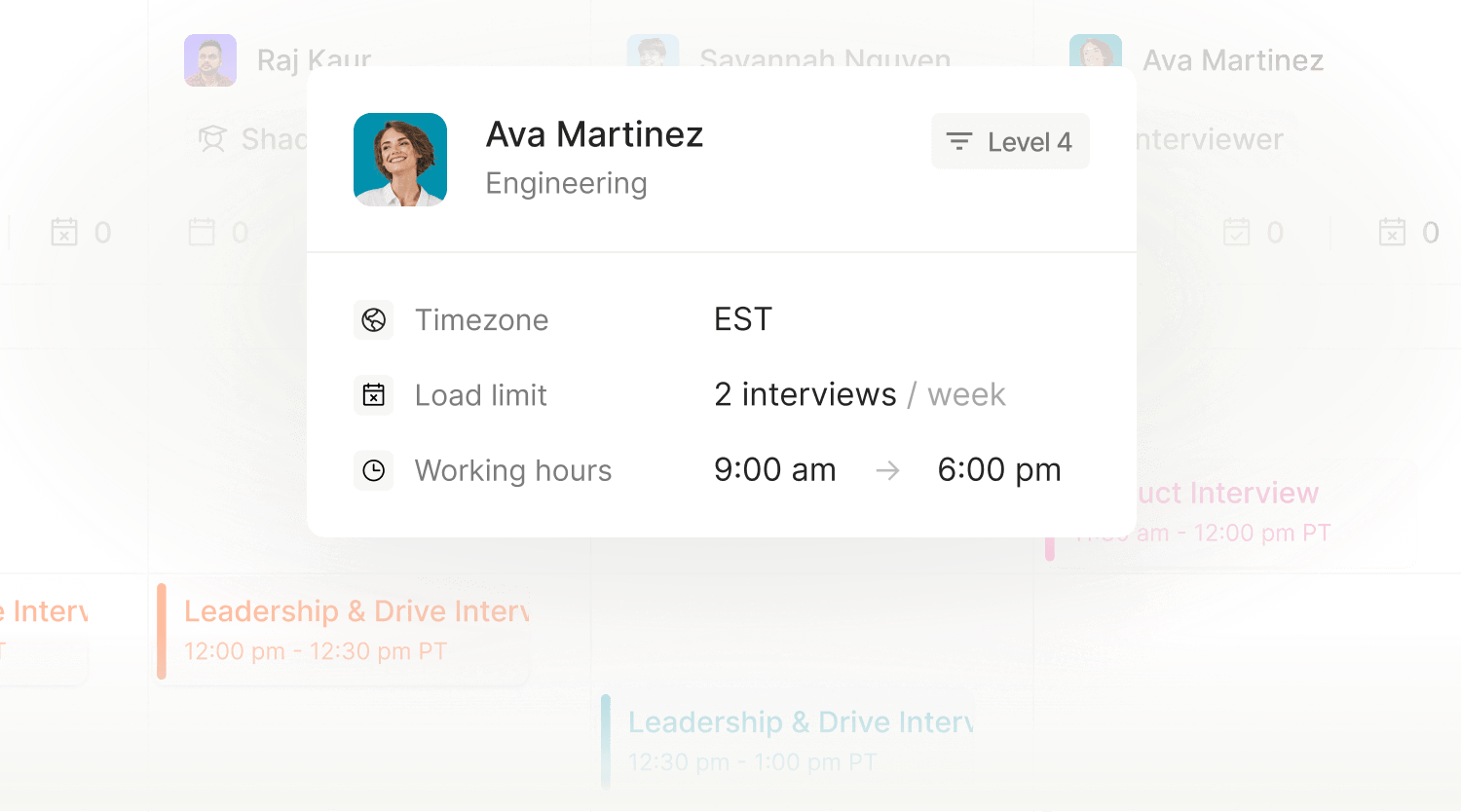
ModernLoop does the overlap math for you. Interviewer profiles hold each person’s time zone and work hours, and ModernLoop syncs Google Calendar and Microsoft Outlook calendars, so availability comes from the calendars people already use. It juggles time zones, avoids scheduling over key meetings and identifies safe-to-schedule time blocks.
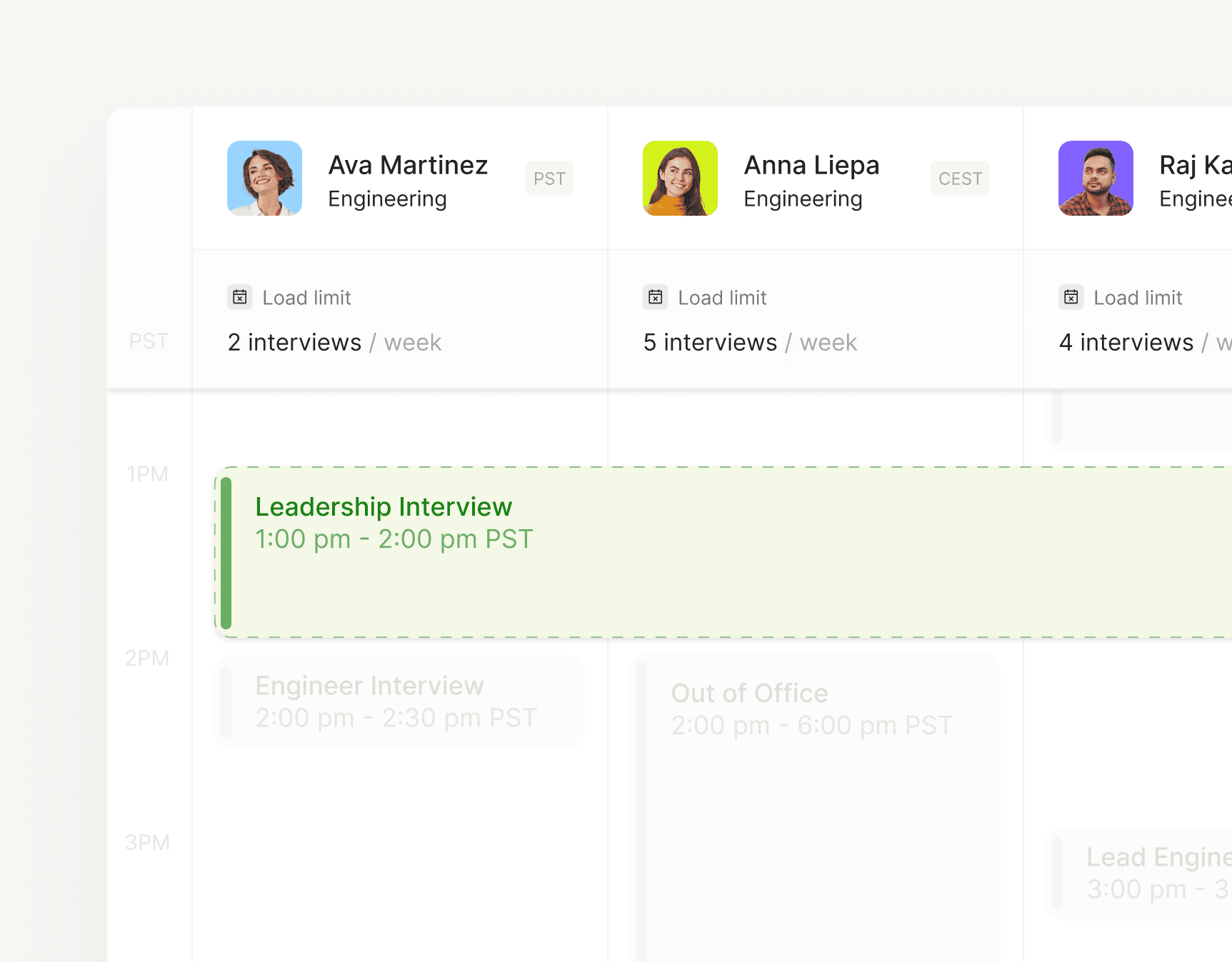
ModernLoop’s side-by-side calendar view: each interviewer’s time zone and weekly load limit sit above their calendar.
For loops, the scheduling algorithm uses candidate availability, interviewer availability and interviewer load to propose several complete schedules. Every interview gets one consistent Zoom or Google Meet link, and the candidate sees the whole day in the Candidate Portal. Coordinators can adjust any loop in a side-by-side calendar view with drag-and-drop editing, and when an interviewer can’t make it, ModernLoop helps find the best replacement. See Interview Scheduling, or how ModernLoop runs panel and onsite loops.
Sources
Product labels change between app versions; check yours. All sources checked October 22, 2026.
Related articles

Steps, timing rules, templates and how to handle cancellations.
Multi-interviewer, multi-time-zone loops, scheduled in one go.