TemplatesFree interview schedule template, with a panel and loop version
Contents
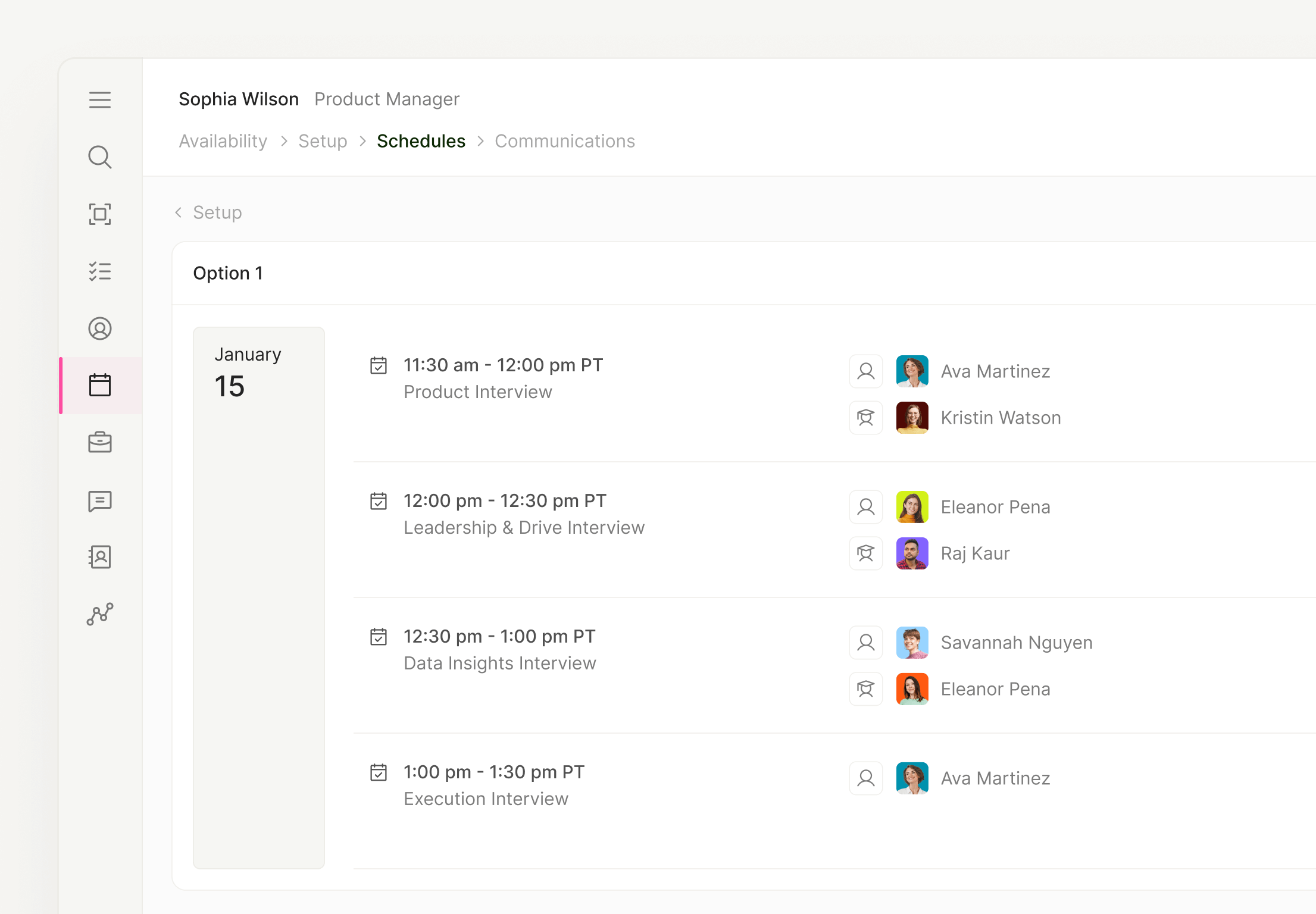
Short answer
An interview schedule template is a shared sheet that lists every interview for a candidate: date, time in both the candidate’s and the interviewer’s time zone, interview type, interviewers, format, video link, notes and status. Use one row per interview. For panels and onsite loops, turn the rows into a candidate-facing itinerary.
This free interview schedule template comes in three parts: a schedule sheet with one row per interview, a panel and loop version for onsite and virtual onsite days, and a candidate itinerary you can paste into a confirmation email. It works as an interview scheduling template for anything from a single phone screen to a full-day loop.
Preview it below, or jump straight to the downloads.
Preview: the interview schedule template
Each row is one interview. The two time columns do the heavy lifting: write the candidate’s time and the interviewer’s time side by side, and time zone mistakes have nowhere to hide. These example rows follow one candidate in Chicago meeting interviewers in New York and San Francisco.
| Date | Time (candidate time zone) | Time (interviewer time zone) | Interview | Interviewer(s) | Format/location | Video link | Notes | Status |
|---|---|---|---|---|---|---|---|---|
| Mon, Nov 9 | 9:00–9:30 a.m. CT | 10:00–10:30 a.m. ET | Recruiter screen | Recruiter | Phone | Not needed | Confirm notice period and work authorization | Completed |
| Wed, Nov 11 | 12:00–1:00 p.m. CT | 10:00–11:00 a.m. PT | Hiring manager interview | Hiring manager | Video | Link in the invite | Send the role overview the day before | Completed |
| Tue, Nov 17 | 9:00–9:45 a.m. CT | 10:00–10:45 a.m. ET | Skills interview | Senior team member, plus a trainee shadowing | Video | One link for the day | Trainee observes only | Confirmed |
| Tue, Nov 17 | 10:00–10:45 a.m. CT | 8:00–8:45 a.m. PT | Cross-functional interview | Product manager | Video | One link for the day | Early start agreed with the interviewer | Confirmed |
| Tue, Nov 17 | 11:00–11:45 a.m. CT | 12:00–12:45 p.m. ET | Values interview | Trained interviewer from another team | Video | One link for the day | Backup interviewer on hold | Awaiting RSVP |
Panel and loop version
For onsite loops, virtual onsites and panels, the loop tab plans the whole day on one screen: who is in each slot, where it happens, whether a trainee is shadowing, and who steps in if someone drops out. Fill it in first, then send the candidate a clean itinerary.
| Slot (candidate time) | Session | Interviewer(s) | Room or link | Trainee | Backup interviewer |
|---|---|---|---|---|---|
| 10:00–10:45 a.m. ET | Hiring manager conversation | Design manager | Loop link | None | Second design manager |
| 11:00–11:45 a.m. ET | Portfolio review (panel) | Two senior designers | Loop link | Shadow | Any trained senior designer |
| 12:00–12:30 p.m. ET | Break | No interview | Camera off | None | None |
| 12:30–1:15 p.m. ET | Cross-functional interview | Product manager | Loop link | None | Engineering lead |
| 1:30–2:15 p.m. ET | Values interview | Trained interviewer from another team | Loop link | Reverse shadow | Any trained values interviewer |
The candidate doesn’t need backups, trainee status or internal notes. They need times in their own time zone, names and titles, one link and what to bring. Here’s the itinerary that goes out with the confirmation email.
Candidate itinerary
Paste into the confirmation email; internal notes stay in the sheet
Subject: Your virtual onsite on {Day, date}: itinerary
Hi {Candidate first name}, Here’s your day. Every interview uses the same link: {Video link} 10:00 a.m. ET: Hiring manager conversation with {Name}, Design Manager 11:00 a.m. ET: Portfolio review with {Name} and {Name}, Senior Designers 12:00 p.m. ET: Break (camera off) 12:30 p.m. ET: Cross-functional interview with {Name}, Product Manager 1:30 p.m. ET: Values interview with {Name}, {Title} Bring: {What to prepare, e.g. two projects you’d like to walk through} {If a trainee is joining: A colleague in training may join some conversations to observe.} Questions or tech trouble on the day: {Recruiter name}, {Recruiter phone}
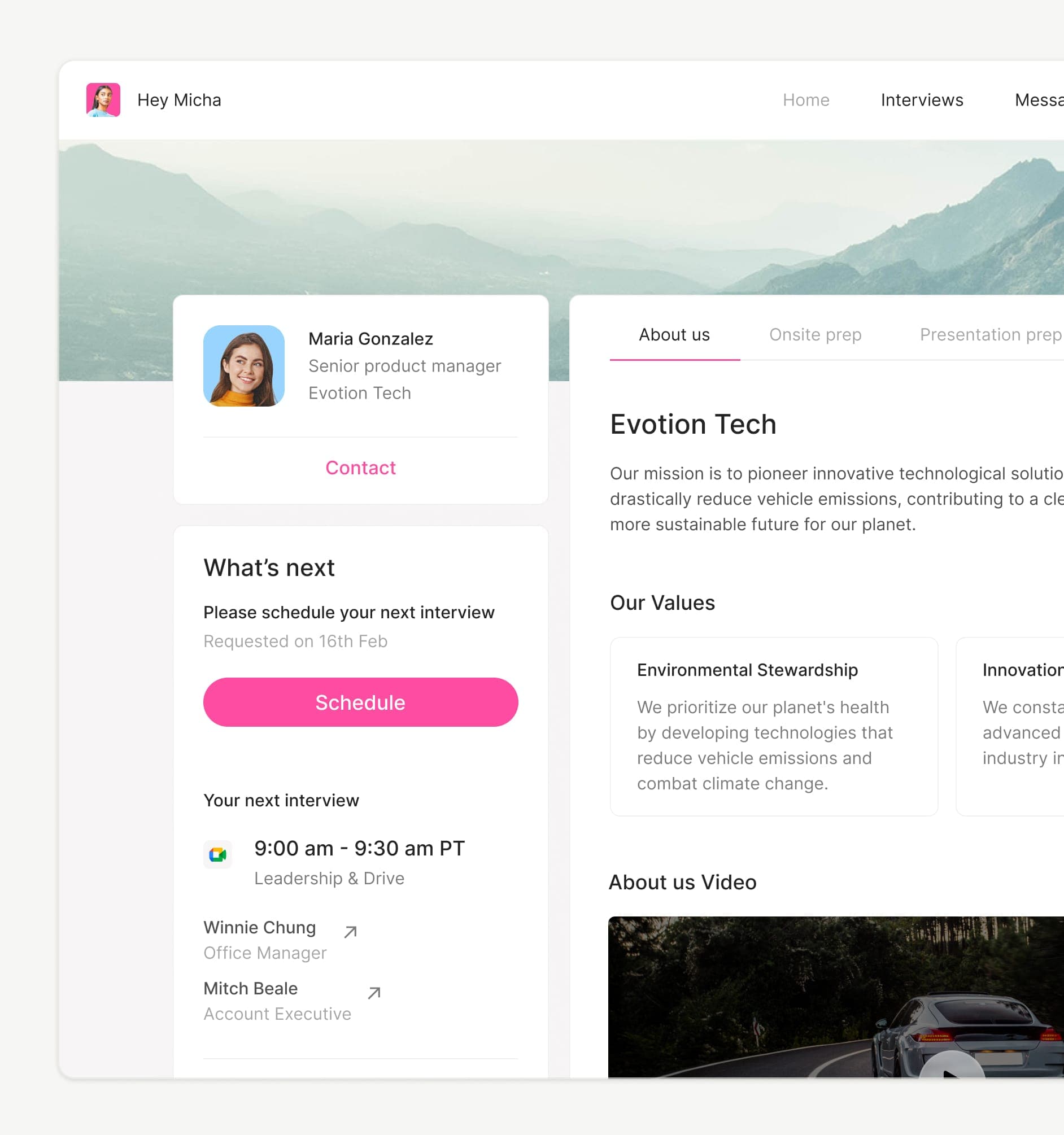
The candidate’s view in ModernLoop: a branded Candidate Portal with the next interview, who they’ll meet and what’s next.
Interview itinerary generator
Fill in the basics and get a candidate itinerary you can paste into an email, with every time shown in the candidate’s time zone, so you don’t have to do the math.
How to fill in the interview schedule template
Seven steps, in the order a coordinator actually works.


Download the interview schedule template
Pick the format your team works in. Both spreadsheets have the schedule tab and the loop tab; the doc is the candidate itinerary.
Google Sheets Schedule and loop tabs, ready to copy and share with your team. Excel The same two tabs as an .xlsx file. Download for Excel Itinerary doc The candidate itinerary, ready to fill in and paste. Download the itinerary doc Download for Google Sheets
When a spreadsheet stops working
A sheet is perfect for a handful of interviews. It starts to creak when one coordinator is juggling many loops at once, because the sheet has no idea what’s on anyone’s calendar. Four signs you’ve outgrown it:
That’s the work ModernLoop takes over. Interview Scheduling syncs with Google Calendar and Microsoft Outlook, finds available slots for each interviewer, avoids double booking and balances interviewer load, so the same people aren’t in every loop. Its scheduling algorithm uses candidate availability, interviewer availability and interviewer load to propose multiple potential schedules. Interviewer Training adds trainees as shadows and reverse shadows automatically, based on their progress and availability. When an interviewer can’t make it, ModernLoop helps find the best replacement, and Scheduling Queues show coordinators every pending request in one place.
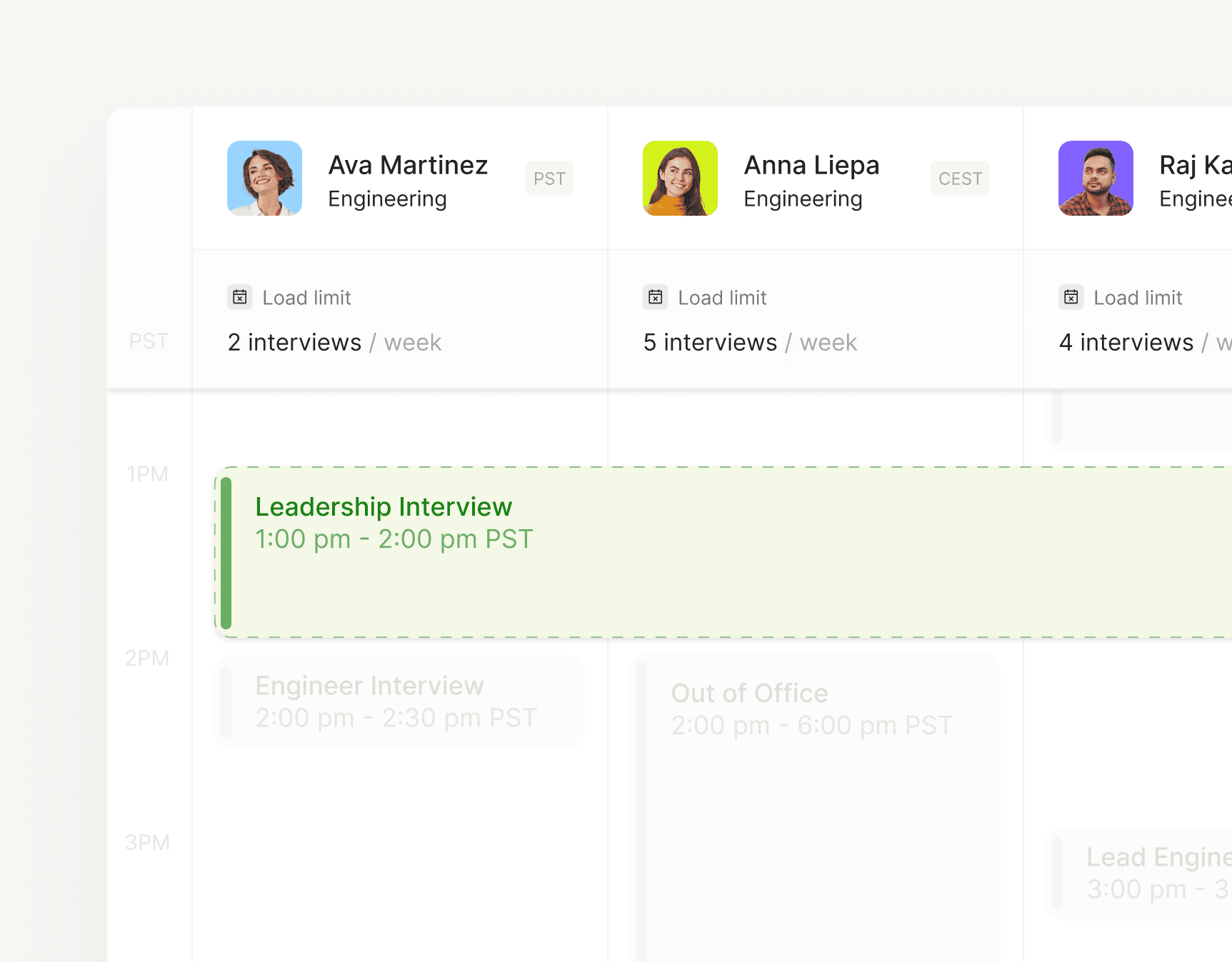
Weekly load limits and time zones for each interviewer, shown above their calendars in ModernLoop.

Keep the template for the days you need it. For everything else, see how Interview Scheduling handles loops from your ATS, or read the guide to scheduling across time zones and calendars.
Related articles

12 copy-paste emails, from the first request to the thank-you.
How to schedule across time zones and between Outlook and Google calendars.